A typo rarely sinks a page on its own, but it chips away at the two things search visibility depends on: reader trust and content quality. Visitors who spot errors leave sooner, and both search engines and AI answer engines favour text that is clean enough to understand, summarise and quote. That is why spell-checking belongs inside the content workflow, not as a last glance before you hit publish.
This guide covers 10 spell mistake SEO tools worth using in 2026, ordered from the most SEO-native to the lightest general-purpose checkers. For each one you get what it catches, where it runs, what the free tier covers, who it suits and where it falls short. It also covers how to pick one, which mistakes do the most damage, and where spelling sits in a wider SEO, AEO and GEO strategy.
Want your content checked for both writing quality and SEO performance? Get a free content and SEO audit and see exactly where your pages stand.
Why Spelling Mistakes Matter for SEO
Spelling is not a direct ranking signal, but it feeds several things that are. Before the tool list, here is what a careless typo actually costs a page.
• Credibility drops on sight. A misspelt word on a homepage, pricing page or product listing makes readers question whether the business is careful anywhere else. That doubt arrives before they have read a second sentence.
• Engagement signals weaken. Readers who stumble over errors or confusing sentences leave sooner and scroll less. Short visits and fast exits tell search engines the page did not satisfy the query, whatever the keyword targeting looked like.
• Quality assessment is getting sharper. Google's guidance on helpful content and E-E-A-T rewards pages that are well written, accurate and clearly for people. One typo will not move a ranking, but a site-wide pattern of sloppy writing correlates with weaker performance across the board.
• Conversions suffer most on money pages. Checkout flows, lead forms and service pages are where a typo costs the most, because the reader is deciding whether to trust you with money or contact details.
• AI answer engines need clean input. Google AI Overviews, ChatGPT, Perplexity and similar tools summarise and cite pages directly. Text riddled with errors is harder for a model to parse accurately, so it is less likely to be quoted and more likely to be misquoted.
• Keyword matching breaks on misspellings. A misspelt keyword in a title, heading or alt text simply does not match the query it was meant to target, and search engines will not always correct it for you.
In short, spelling errors cost trust, time on page, conversions and citations. The tools below exist to stop that leak before content goes live.
The 10 Best Spell Mistake SEO Tools
The list below is ordered by how close each tool sits to the SEO workflow: SEO-native tools first, then full grammar suites, then readability and rewriting tools, and finally the lightweight free checkers. Plan details are approximate as of October 2026; confirm current pricing on each vendor's site.
1. Semrush SEO Writing Assistant
Semrush's SEO Writing Assistant is the most SEO-native tool here because it was built inside an SEO platform rather than bolted onto a grammar checker. It scores a draft against the top-ranking pages for your target keyword and flags readability, tone, originality and keyword gaps in one panel while you write.
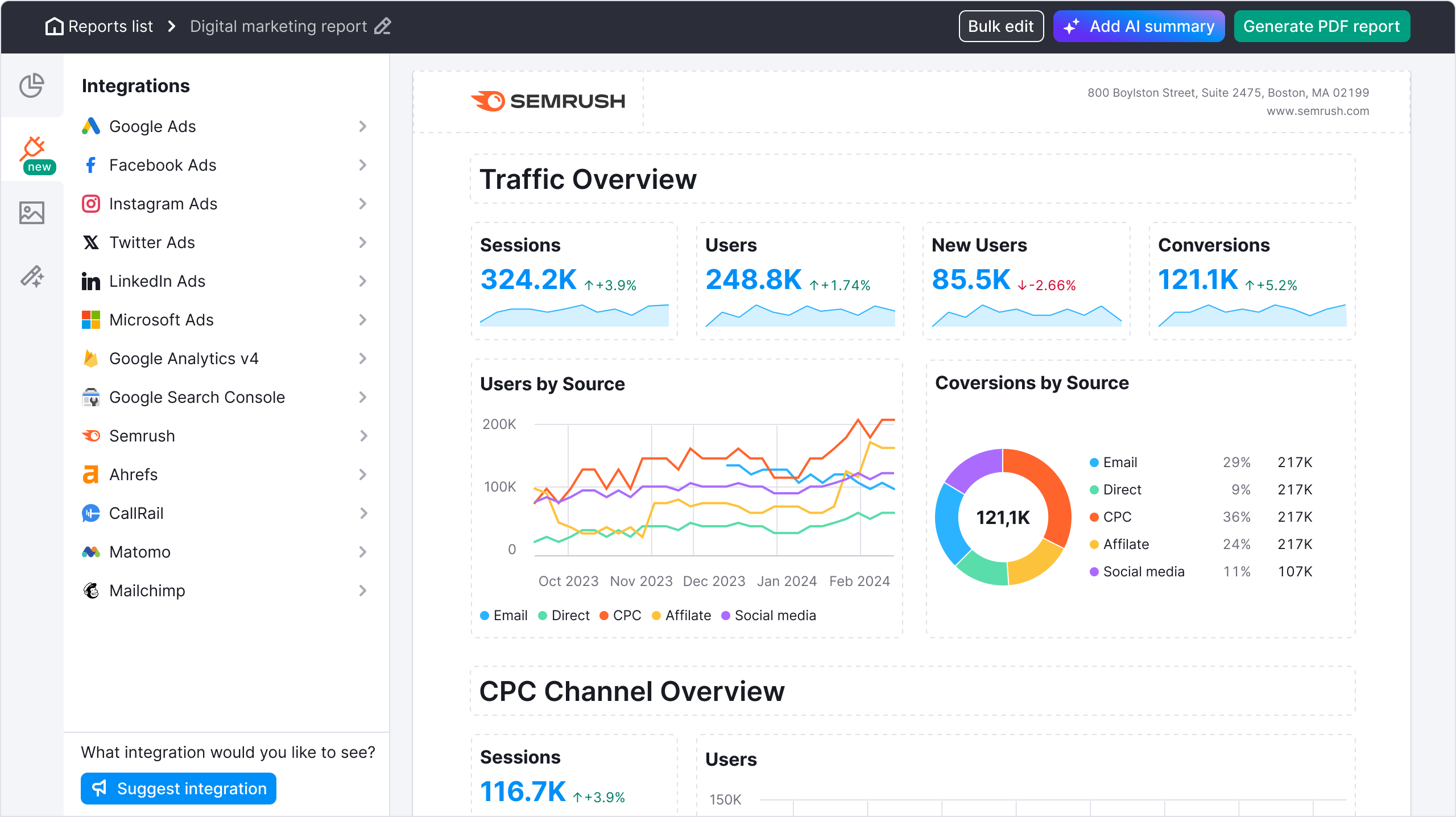
• Catches: basic spelling and grammar, Flesch-Kincaid readability problems, inconsistent tone of voice, missing semantically related keywords, over-long sentences and copied text via its plagiarism check
• Runs in: the Semrush web app, a Google Docs add-on, a Microsoft Word add-in and a WordPress plugin
• Free tier: a free Semrush account gives very limited access; full use needs a paid Semrush subscription
• Best for: SEO teams already on Semrush who want writing quality and keyword optimisation checked in the same pass
• Watch out for: it is not a deep grammar engine, so pair it with Grammarly or LanguageTool for line-level proofing, and it is expensive if Semrush is not already in your stack
2. Yoast SEO (WordPress)
Yoast SEO is where millions of WordPress writers already handle on-page SEO, and its readability analysis runs in the same sidebar. It will not replace a spell-checker, but it catches the structural writing problems that make a page hard to read and hard to rank.
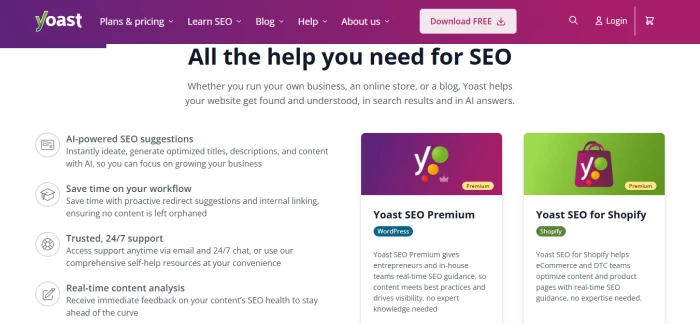
• Catches: sentences over 20 words, over-long paragraphs, passive voice overuse, too few transition words, consecutive sentences that start the same way, missing subheadings and a low Flesch reading-ease score
• Runs in: the WordPress block and classic editors, Yoast SEO for Shopify and a Google Docs add-on
• Free tier: the free plugin includes the core readability checks; Premium adds related keyphrases, synonyms, word forms and internal-linking suggestions
• Best for: WordPress sites that want a readability gate inside the publishing flow with no extra tooling
• Watch out for: Yoast flags structure, not typos, so run a spelling pass first; not every check is available in every language
3. Grammarly
Grammarly is still the default for most content teams, and the free version alone catches the majority of spelling, punctuation and basic grammar errors that reach a live page. Pro adds full-sentence rewrites, tone adjustment, plagiarism and AI-text detection, and shared style guides for teams.
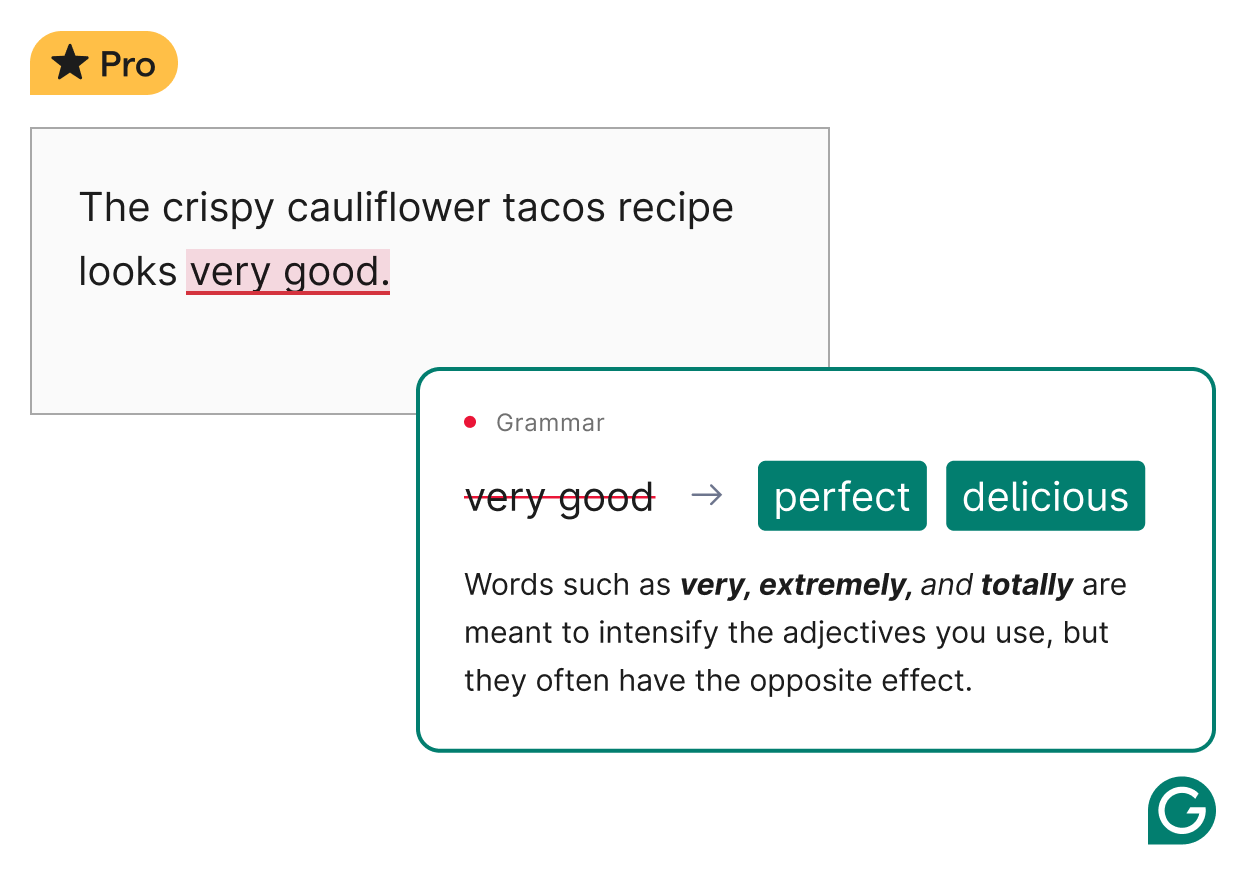
• Catches: misspellings, contextual spelling (their/there, its/it's), punctuation, subject-verb agreement, wordiness, clarity and tone; Pro adds plagiarism and AI-content detection
• Runs in: browser extensions for Chrome, Safari, Firefox and Edge, desktop apps for Windows and Mac, mobile keyboards, and inside Google Docs, Word, Gmail, Slack and most CMS editors
• Free tier: grammar, spelling, punctuation and tone detection plus a limited monthly allowance of AI prompts; Pro is about $12 per month billed annually or $30 month to month
• Best for: teams that need a dependable English checker everywhere they write, with brand tones and a style guide on the Pro plan
• Watch out for: it is primarily an English tool, and it can over-suggest on technical or deliberately informal copy, so review each change rather than accepting all
4. LanguageTool
LanguageTool is the strongest choice for multilingual sites. It checks spelling, grammar and style in more than 30 languages and dialects, and the free tier is generous enough for most short-form content.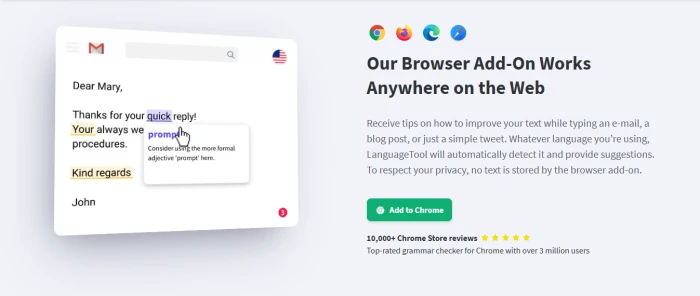
• Catches: spelling, grammar, punctuation (including comma placement), capitalisation, style and typography; Premium adds formatting, semantic and advanced style checks, with 20,000+ extra rules for English, German, French, Spanish, Dutch, Polish and Portuguese
• Runs in: a web editor, browser extensions, a Google Docs add-on, a Word add-in, desktop apps for Windows and Mac, and iOS and Android apps
• Free tier: checks texts up to 10,000 characters; Premium raises that to 100,000 and adds a personal dictionary, team style guide and early access to new features
• Best for: businesses publishing in several markets, or any team that wants an open-source-based checker with strong privacy positioning
• Watch out for: no spell check for Chinese, Japanese, Persian or Tamil in the free tier, and some integrations have moved to Premium-only
5. ProWritingAid
ProWritingAid goes deeper than any other tool on this list on the why behind an error. Its 25+ reports cover grammar, spelling consistency, readability, overused words, sticky sentences and pacing, which makes it the editor's tool rather than the quick-fix tool.
• Catches: spelling and grammar, repeated words and phrases, inconsistent spelling across a document ("e-mail" vs "email"), readability, clichés, vague wording, passive voice and poor sentence-length variety
• Runs in: a web editor, a desktop app, Chrome and Edge extensions, Word, Google Docs, Scrivener and a "ProWritingAid Everywhere" overlay for other apps
• Free tier: full reports on texts up to 500 words; Premium removes the limit and unlocks every integration
• Best for: long-form content teams, agencies with editors on staff, and anyone who wants to improve writers rather than just fix drafts
• Watch out for: the number of reports can overwhelm new users, and very long documents can lag in Google Docs, so edit in chunks
6. QuillBot
QuillBot pairs a free grammar checker with its well-known paraphraser, so you can correct an error and rewrite a clumsy sentence in the same place. For teams producing a high volume of blog and web copy, that combination saves real editing time.
• Catches: spelling, grammar and punctuation in real time; Premium adds tone and clarity insights and more detailed sentence-level suggestions
• Runs in: a web app, a Chrome extension, a Word add-in, a macOS app and mobile apps
• Free tier: grammar checking is free with no account required, and paraphrasing is limited to 125 words per use; Premium (about $100 per year) unlocks all paraphrasing modes, plagiarism checking and AI detection
• Best for: high-volume content teams and non-native English writers who need rewrite help as much as error detection
• Watch out for: grammar checking is lighter than Grammarly or ProWritingAid, the extension supports six languages, and paraphrased text still needs a human read to catch meaning drift
7. Hemingway Editor
Hemingway Editor does one thing exceptionally well: it shows you where your writing is hard to read. Colour-coded highlights flag long sentences, dense phrasing, adverbs and passive voice, and it assigns a grade level so you can target the reading level your audience actually has.
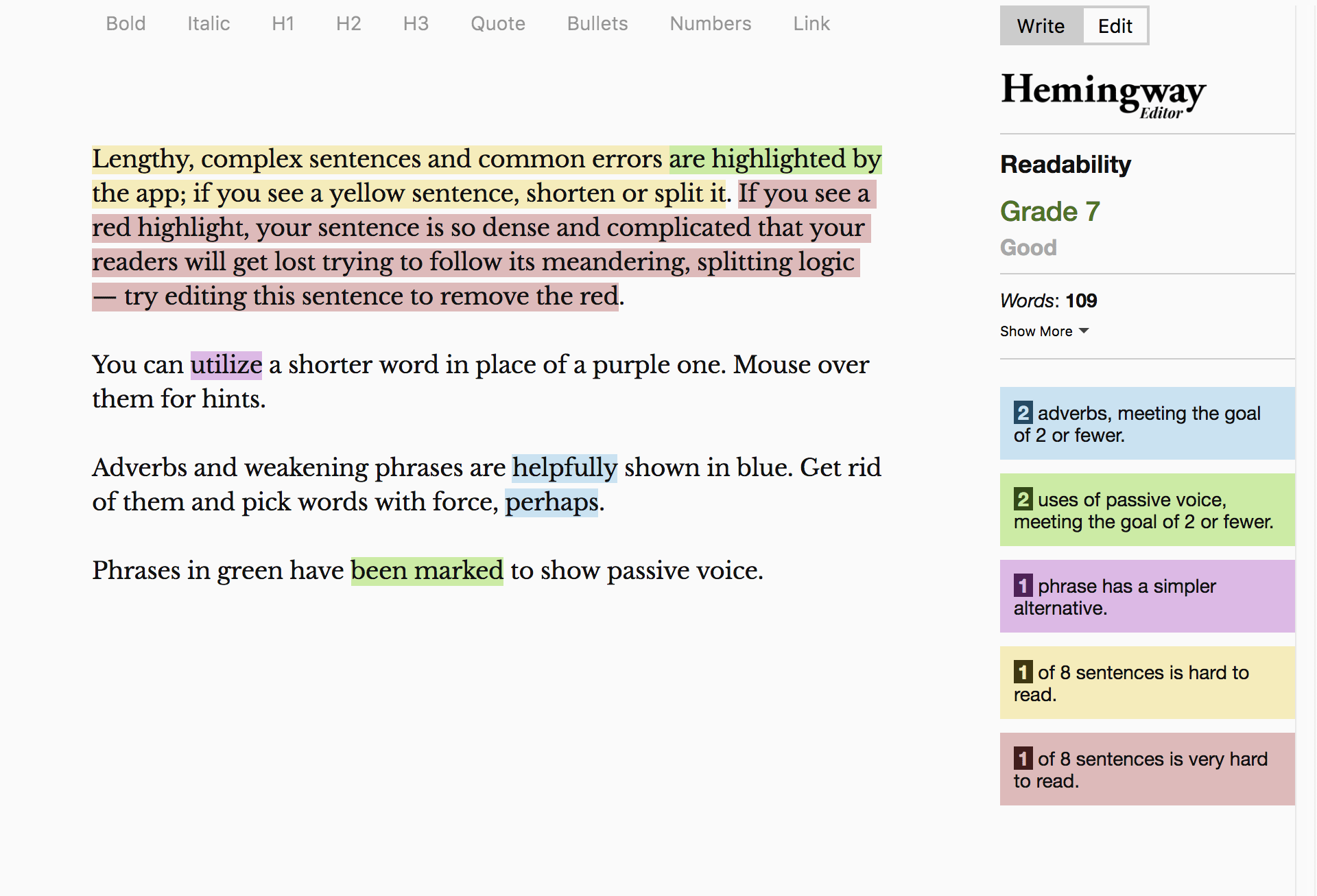
• Catches: hard-to-read and very-hard-to-read sentences, passive voice, adverbs, complex words with simpler alternatives and overall readability grade; Editor Plus adds AI grammar fixes and one-click rewrites
• Runs in: a free web editor, a one-time-purchase desktop app for Windows and Mac (about $20), and the Editor Plus subscription
• Free tier: the web editor is free and highlights everything but fixes nothing; Editor Plus starts at about $10 per month with a monthly allowance of AI-rewritten sentences
• Best for: a final readability pass once grammar is clean, and for teams writing for mobile readers or AI-overview snippets where short, direct sentences win
• Watch out for: the free version is not a spell-checker and will happily pass a typo if the sentence is short
8. Ginger Software
Ginger is a lightweight option that corrects spelling and grammar as you type and adds a translator and a sentence rephraser. Its personal trainer feature logs the mistakes you repeat and turns them into practice sessions, which is useful for writers still learning English conventions.

• Catches: contextual spelling, grammar and punctuation, plus rephrasing suggestions for awkward sentences
• Runs in: a browser extension, Windows desktop with Microsoft Office integration, an Android keyboard and an iOS app
• Free tier: basic corrections with usage limits; Premium adds unlimited rephrasing and the full trainer
• Best for: solo writers, small teams and non-native writers who want correction and learning in one place
• Watch out for: it checks English only, and the interface and suggestions are less sophisticated than the top-tier tools
9. WhiteSmoke
WhiteSmoke bundles grammar, spelling, style and punctuation checking with translation in more than 50 languages and a plagiarism checker. It is a reasonable all-in-one for teams that want originality and accuracy verified in the same product.
• Catches: spelling, grammar, punctuation and style, plus plagiarism against web sources
• Runs in: a desktop app for Windows and Mac, a web version and browser extensions
• Free tier: a limited online checker; full use requires a paid licence
• Best for: smaller teams that want plagiarism detection and proofing together without paying for a full Semrush or Grammarly Pro seat
• Watch out for: it has not kept pace with the AI features of the market leaders, so check that its integrations cover the apps your team actually writes in
10. Slick Write
Slick Write is a free, browser-based checker aimed at bloggers and SEO writers. Alongside spelling and grammar it produces reports on sentence structure, passive voice, adverb use, vocabulary variety and estimated reading time.
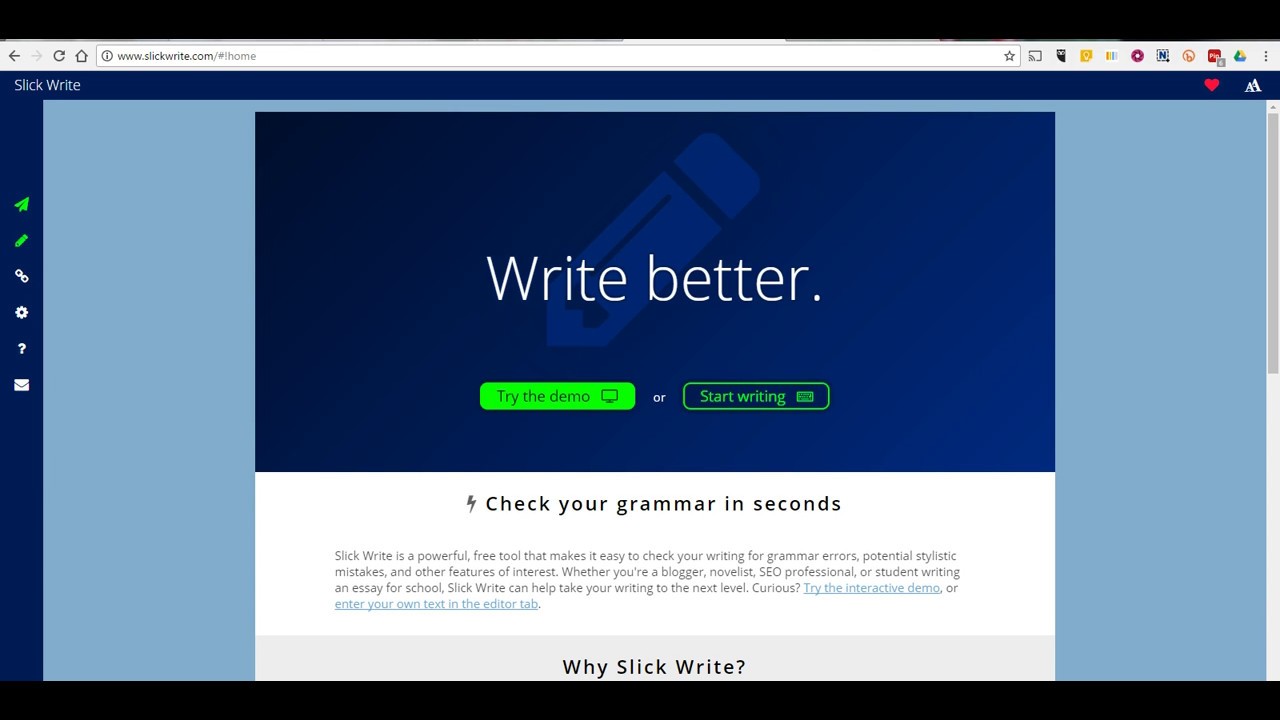
• Catches: spelling, grammar, style, passive voice, redundant phrases, poor sentence-length variation and wordiness
• Runs in: the web app and browser extensions
• Free tier: entirely free with no account needed
• Best for: budget-conscious bloggers and a fast second-opinion pass on short posts
• Watch out for: no integrations with Docs, Word or a CMS, so you paste in and copy out, and there are no AI rewrites
How to Choose the Right Spell Mistake SEO Tool for Your Team
No single tool wins every category, so start from the constraint that matters most to your team and work back to the shortlist.
| Factor | What to consider | Strongest picks |
|---|---|---|
| SEO integration | Do you want spelling, readability and keyword checks in one screen? | Semrush SEO Writing Assistant, Yoast SEO |
| Content volume | High-output teams need rewriting help, not just red underlines | QuillBot, Grammarly Pro |
| Budget | Free tiers cover short posts well; pay only when word limits or integrations bite | LanguageTool, Slick Write, QuillBot (free), Hemingway (web) |
| Multilingual content | Check how many languages get full grammar rules, not just spell check | LanguageTool, WhiteSmoke (translation), Ginger (English + translator) |
| Depth of feedback | Editors and writer training benefit from reports that explain the why | ProWritingAid, Hemingway Editor |
| Where your team writes | Pick the tool that lives inside your CMS, Docs or Word, or you will skip it | Grammarly, LanguageTool, ProWritingAid (broadest integrations) |
| Originality checks | If you commission freelance or AI-assisted content, plagiarism and AI detection matter | Grammarly Pro, Semrush SWA, QuillBot Premium, WhiteSmoke |
| Team governance | Shared style guides, brand tones and admin seats keep a large team consistent | Grammarly Pro, LanguageTool Premium teams |
A practical rule: a small blog is well served by one free checker plus Hemingway for a readability pass. A content operation publishing across several markets or dozens of pages a month should pair an SEO-native tool with a full grammar suite that supports every language it publishes in.
Common Spelling Mistakes That Hurt SEO Content Most
Not every error carries the same weight. These are the mistakes that show up most often across websites and do the most damage when they slip through.
• Homophones and near-homophones. Their/there/they're, its/it's, affect/effect, complement/compliment. Every word is spelt correctly, so a basic spell-checker stays silent, yet readers notice instantly.
• Inconsistent brand, product and feature names. "E-commerce" on one page and "ecommerce" on the next, or a product name capitalised three different ways, confuses readers and dilutes the entity signals search engines use to understand what your site is about.
• Typos in titles, H1s, meta descriptions and alt text. These fields carry outsized weight, appear in search results before anyone clicks, and are the first thing AI answer engines read. A misspelt keyword here simply fails to match the query.
• Misspelt target keywords in body copy. Search engines correct some misspellings but not all, and a page that targets "accomodation" is not reliably ranking for "accommodation."
• Autocorrect and voice-dictation substitutions. Mobile drafting swaps real words for plausible wrong ones. The sentence still parses, so the error hides in plain sight.
• Doubled and dropped words. A leftover "the the," or a missing "not" that flips the meaning of a sentence, is one of the most common residues of fast editing.
• US and UK spelling mixed in one piece. "Optimize" and "optimise" in the same article reads as careless and can split keyword matching across two variants.
• Errors in internal anchor text and URLs. A misspelt slug or link label is permanent until someone catches it, and it weakens the context passed to the linked page.
Most tools in the list catch the obvious cases automatically. Train your team to manually check homophones, headings, metadata and proper nouns during review, because those are exactly the errors automated checkers under-flag.
How to Build Spelling Checks Into Your Content Workflow
A good tool only helps if it sits at a fixed point in the process. This sequence catches the most errors with the least friction.
1. Draft freely. Write the first pass without stopping to fix every underline; constant correction breaks flow and slows the draft.
2. Run an automated grammar and spelling pass. Use Grammarly, LanguageTool or ProWritingAid and work through every flag, accepting or rejecting each one deliberately.
3. Run a readability pass. Paste into Hemingway or check the Yoast readability panel, and shorten any sentence that reads as hard, especially in the first paragraph and in answer-style sections.
4. Check the SEO fields by hand. Read the title tag, H1, meta description, image alt text, URL slug and internal anchor text out loud. These fields are short, high-value and easy to skip.
5. Get a second reader. Writers cannot see their own habitual mistakes. A five-minute read by a colleague catches what the author's eye skates over.
6. Re-check after revisions. Edits introduce new errors as readily as first drafts do. Any change after the review round gets a fresh automated pass.
7. Audit live pages on a schedule. Run a site crawl or a bulk spell check on existing URLs quarterly, prioritising high-traffic pages and money pages, since errors accumulate in older content nobody reopens.
Steps 4 and 5 are the ones teams skip, and they are the reason typos still reach production on sites that already pay for a good checker. Automation catches most issues; it is not a substitute for a careful final read.
Spelling Accuracy Is One Piece of a Bigger SEO Picture
Clean copy is a prerequisite for visibility, not a strategy on its own. A perfectly proofread page still needs keyword intent matched, technical SEO in order, internal links in place and, increasingly, a structure that AI systems can lift answers from.
• AI SEO covers your visibility across traditional search and AI-powered assistants together. Error-free, well-organised writing is the kind of content those systems trust enough to cite.
• AEO (Answer Engine Optimization) means structuring content so it becomes the direct answer inside Google AI Overviews and similar features. Short, precise sentences and clear headings make that far more likely; typos and tangled syntax make it far less likely.
• GEO (Generative Engine Optimization) focuses on earning brand mentions and citations inside tools like ChatGPT, Perplexity and Gemini. A model summarises what it can parse accurately, so clarity directly affects whether your page gets quoted or skipped.
Treat spell-mistake tools as the foundation layer. They make sure the keyword strategy, technical work and answer-engine formatting built on top of them are not undermined by a careless sentence.
How Trustvor Approaches Content Quality and SEO Together
At Trustvor, writing quality and SEO strategy are built in the same process, not handed between teams. Every piece of content goes through a grammar pass, a readability pass and a manual check of its SEO fields before anyone touches keyword placement, because a technically sound page still underperforms when the copy reads as careless.
The same discipline runs through our AI SEO, AEO and GEO work. As more discovery happens inside AI-generated answers, the content that gets cited is the content that is clear, consistent and easy for a model to summarise accurately. Whether it is a blog post, a service page or a page built specifically to earn a spot in AI Overviews, we treat clean writing as part of the SEO deliverable rather than a finishing step.
Ready to build a content strategy that covers SEO, AEO and GEO together? Get a plan built around quality and visibility. Talk to our SEO team