

Internal links are the paths that carry readers and search crawlers from one page to the next. When those paths are clear, your best pages get found. When they break down, pages slip out of reach.
An orphan page is a page with no internal links pointing to it. It might still be live, and it might even rank, but nothing on your own site leads a visitor to it. An internal link audit is how you find these gaps and close them.
It works best as one focused slice of a broader content audit, run on a regular schedule rather than only when something feels broken.
What counts as an orphan page
An orphan page is any live URL that no other page on your site links to. A visitor can only reach it by typing the address, following an external link, or landing on it straight from search.
That last route is the trap. A page can pull steady traffic from search while staying invisible inside your own navigation, so nobody notices it has drifted loose.
Search engines lean on links to discover pages and to judge how they relate, so a page with no internal links gets crawled less often and understood less clearly. Google describes this in its guide to how Search works.
Why orphan pages happen
Most orphans are not created on purpose. They show up as a side effect of normal site changes, which is exactly why they are easy to miss.
Where orphan pages usually come from
| Common cause | What tends to happen |
|---|---|
| Pages built outside the main structure | A campaign landing page never gets added to the menu or linked from related posts. |
| Redesigns and migrations | Templates change and old modules disappear, so the links that pointed to a page vanish with them. |
| Deleted or merged hubs | A category page is removed, and every page it used to link to loses its only inbound path. |
| CMS quirks | Tags, filters, and auto-generated URLs create pages that no editor ever links to by hand. |
| Dated content | A seasonal page is unlinked once its moment passes, then quietly left live. |
What you need before you start
An internal link audit compares several views of your site. No single tool sees everything, so you gather a few and line them up next to each other.
The data sources you compare
| Source | What it shows |
|---|---|
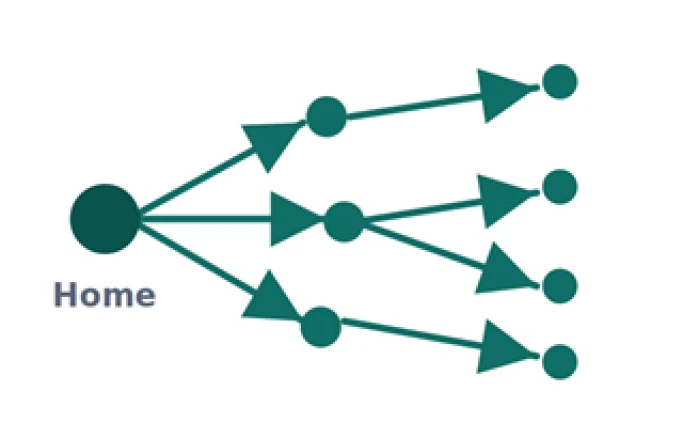
| Site crawler | Every page reachable by following links from your homepage, plus the links between them. |
| XML sitemap | The list of URLs you believe are important, whether or not anything links to them. |
| Analytics | Pages that received visits, which proves a URL is live and wanted. |
| Search Console | Pages a search engine has crawled or indexed, and how it found them. |
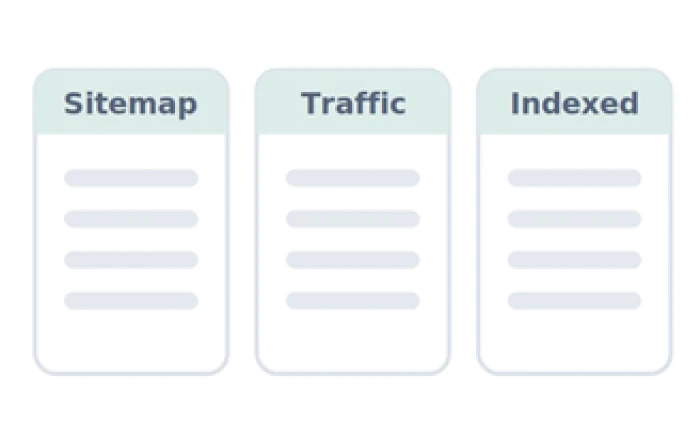
The gaps between these lists are where orphans hide. A URL that sits in your sitemap or analytics but never turns up in the crawl is a strong orphan candidate.

Auditing internal links is data work. Crawl the site first, then line the crawl up against your sitemap and analytics. Photo by ThisIsEngineering on Pexels
How to audit internal links
Work in order. Map the site first, judge second, fix last. Each step below pairs with a small diagram of what you are looking at.
1 Crawl your whole site
Start a crawler at your homepage and let it follow every internal link.
2 Line up your other lists
Export your sitemap, your traffic report, and your indexed pages beside the crawl.
3 Check how deep pages sit
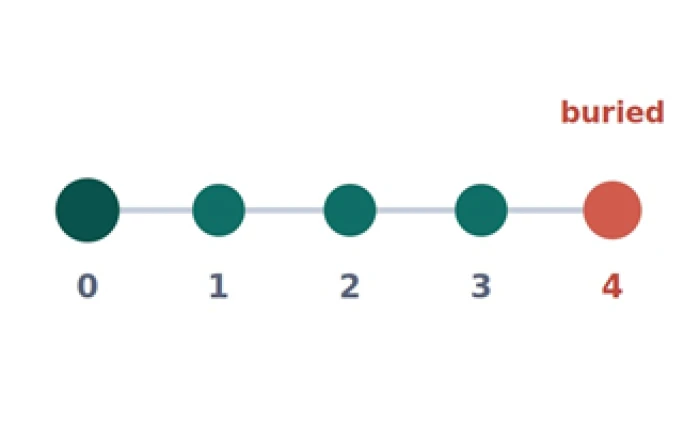
Sort by clicks from the homepage. Anything four or more deep is hard to reach.
4 Count inbound links
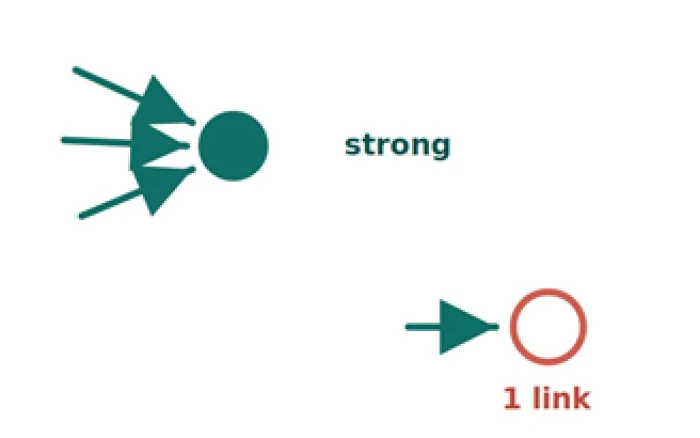
Note how many internal links point to each page. A single weak link is fragile.
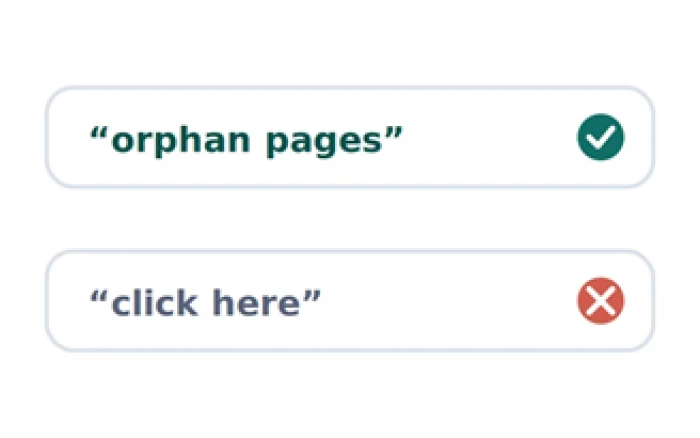
5 Read your anchor text
Swap vague anchors like “click here” for words that name the target page.
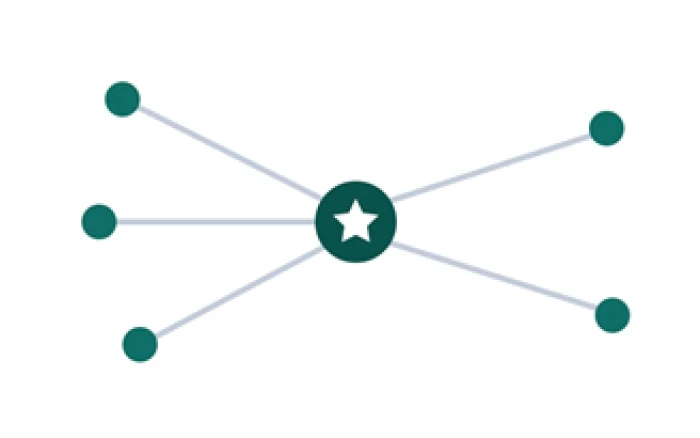
6 Link up your key pages
Make sure the pages tied to your goals are linked from relevant, busy pages.
Google spells out what separates a useful link from a wasted one, from crawlable markup to clear anchor text, in its link best practices.

Finding orphans is a matching exercise, comparing the pages that exist against the pages your crawler could reach. Photo by Tiger Lily on Pexels
How to find orphan pages
Finding orphans is a matching exercise. You compare the pages that exist against the pages your crawler could actually reach.
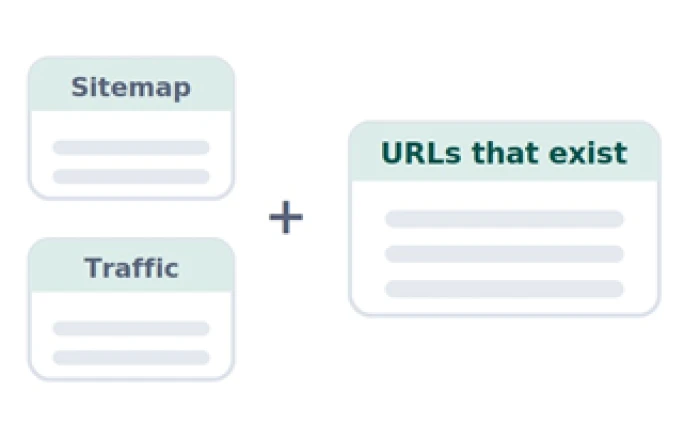
1 Gather every URL that exists
Combine your sitemap and your traffic report into one list of real pages.
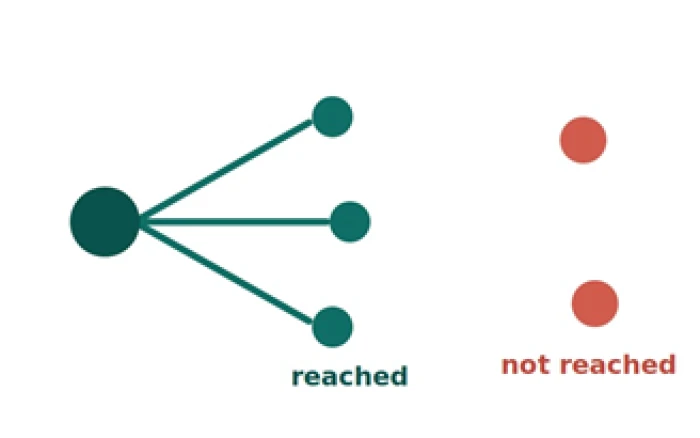
2 Mark what the crawler reached
Any live page the crawler never found by following links is a suspect.
3 Compare the two sets
Pages that exist but were never reached are your likely orphans.
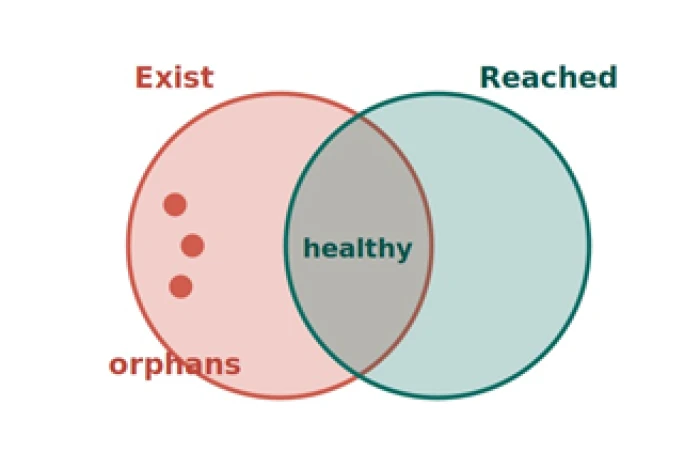
Search Console adds a useful cross-check. If a page is indexed yet your crawler never reached it through links, it is being discovered some other way, often the sitemap alone. Google notes that a sitemap aids discovery but does not replace solid internal linking in its sitemaps overview.
Confirm each candidate by hand before acting. Some pages are meant to live outside the link graph, such as thank-you pages and checkout steps, and those are not orphans to fix.
How to fix what you find
Once you have a confirmed list, the fix follows a short, repeatable flow. Give each page a home, or a clean way out.
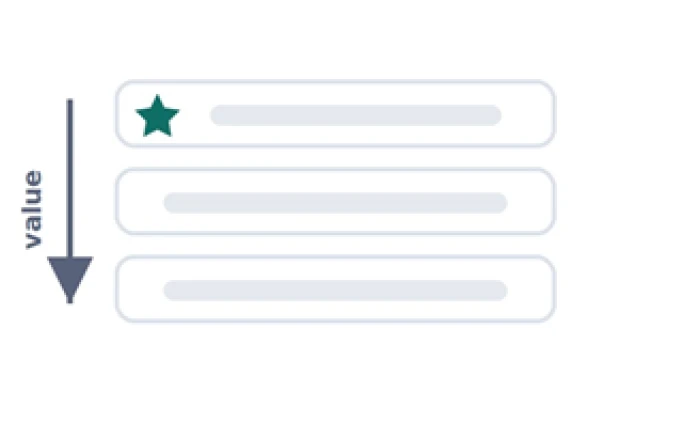
1 Sort by value
Rank confirmed orphans by how much each page matters to your goals.
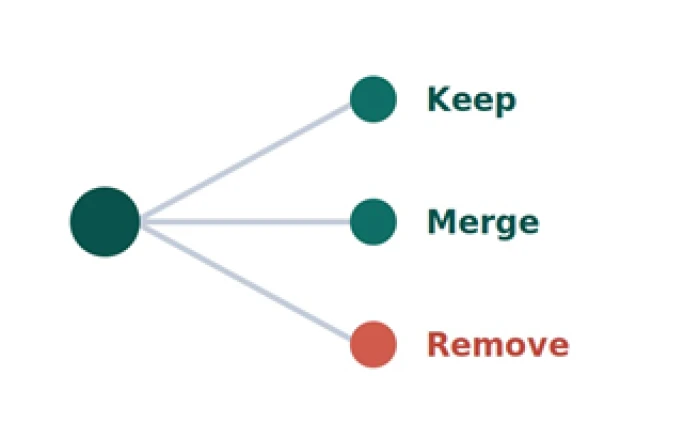
2 Pick a verdict
Decide whether each page is worth keeping, merging, or removing.
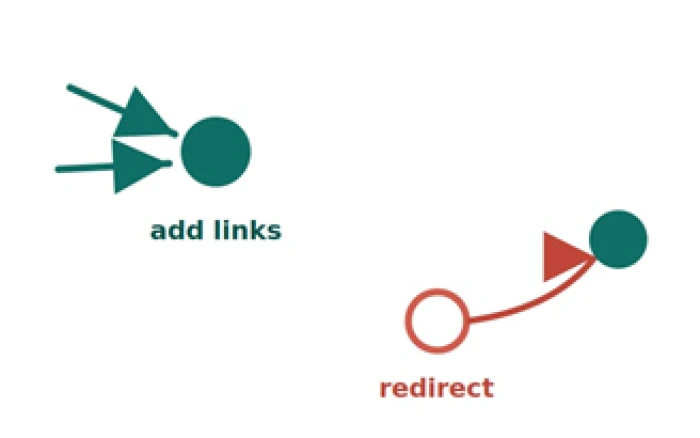
3 Apply the fix
Add internal links to the keepers, or redirect the ones you retire.
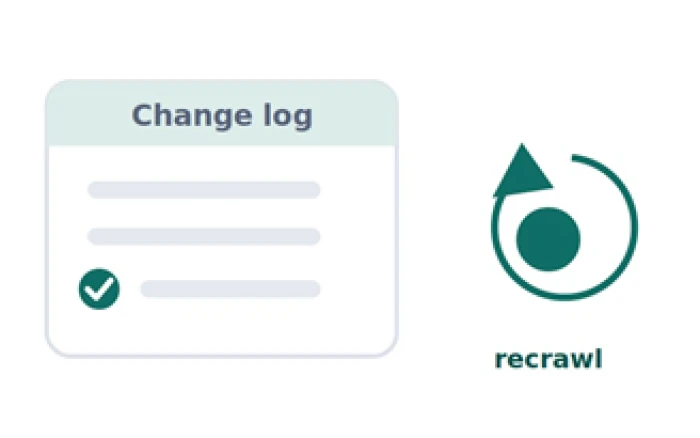
4 Log and recrawl
Record the change, then crawl again to confirm the page is reachable.
A quick gut check. If a page matters to your goals and you cannot name two pages that link to it, treat it as at risk. Reachability is not a nice-to-have, it is the condition for the page being found at all.
Common mistakes to avoid
Trusting a single tool
One crawler or one export always misses something. Orphans live in the space between sources, so compare at least three before you draw conclusions.
Treating every unlinked page as a problem
Some pages belong outside the menu by design. Confirm intent first, so you do not force links onto pages that were meant to stand alone.
Deleting without a redirect
Removing an orphan and leaving a dead address strands any links or search value it held. Always send the old URL somewhere sensible.
Fixing depth by stuffing links
Cramming a page full of links to buried URLs helps no one. Add links where they genuinely help a reader move forward.
The bottom line
A site works best when every page worth keeping has a clear path in. Auditing internal links is how you surface the paths that broke and the pages that got left behind, before they quietly cost you traffic you never knew you had.
The method stays the same every time. Map what links to what, compare that map against the pages that actually exist, then give every valuable orphan a way back in and retire the ones with nothing left to offer.
Once the fixes are shipped, use this short recap to check your work.
What a healthy internal link structure looks like
| Check | What good looks like |
|---|---|
| Reachability | Every page you care about is linked from at least one other page on the site. |
| Crawl depth | Pages that matter sit within about three clicks of the homepage. |
| Inbound links | Key pages carry several relevant internal links, not a single fragile one. |
| Anchor text | Links describe the page they point to in plain, specific words. |
| Orphan count | The gap between pages that exist and pages the crawler reached is zero, apart from the pages you left unlinked on purpose. |
Record a baseline before you start, note the date of each change, then compare the same pages a few weeks later. That is how you tell a real lift from a seasonal swing, and how you earn the time to run the next pass.
Treat the audit as a habit rather than a rescue. A quick monthly look at your most important pages, backed by a fuller crawl each quarter, keeps small gaps from ever hardening into big ones.
Sites do not stay healthy on how much you publish. They stay healthy on how well every page connects to the rest.